Indonesia
 English
 Arabic
 French
 Spanish
 Portuguese
 Deutsch
 Turkish
 Dutch
 Italiano
 Russian
 Romaian
 Portuguese (Brazil)
 Greek
Top Maid Service In Irving, TX For Pristine House Cleaning
Home |
2026-10-31 00:07:15
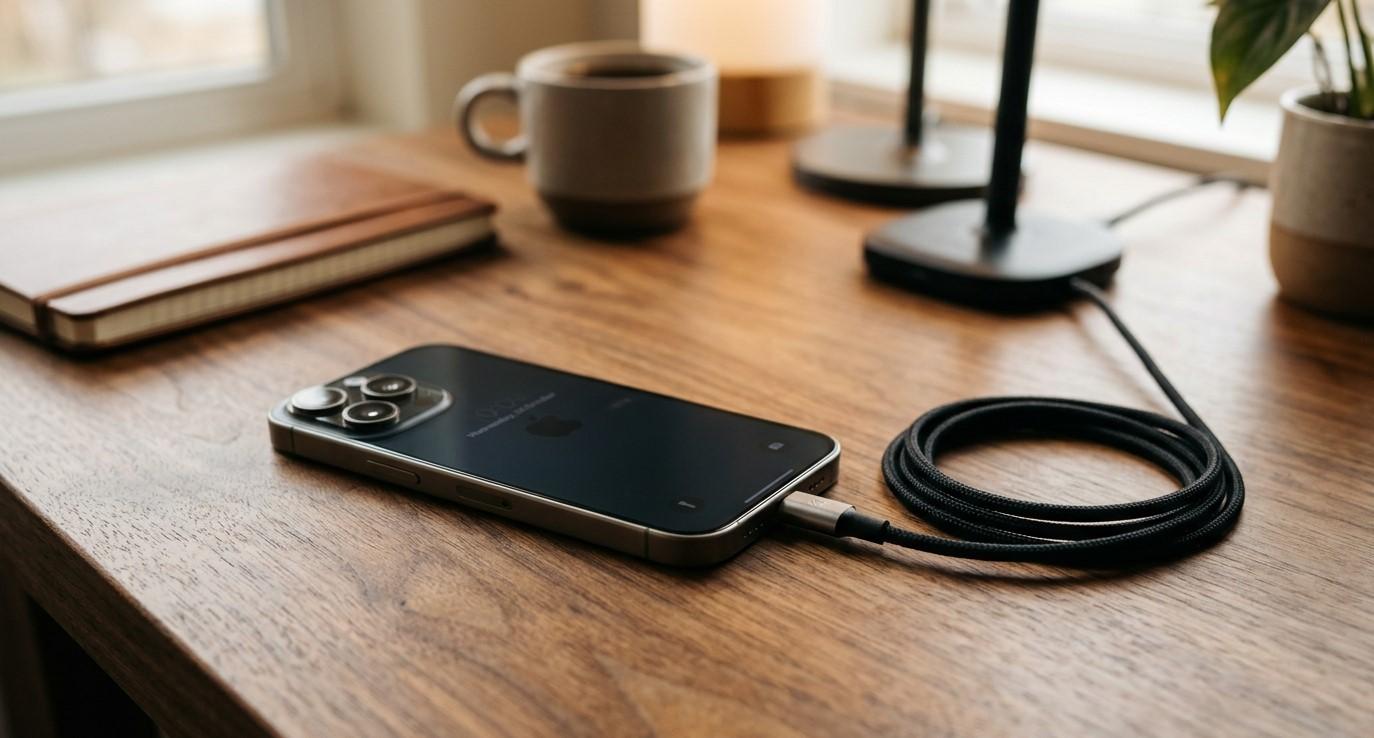
Smartphone Solutions helps users understand common smartphone problems and explore practical repair options. If you are searching for the best iPhone repair in El Paso or comparing iPhone repair El Paso services, knowing why your iPhone is not charging can help you identify the problem and avoid unnecessary repairs. Charging issues can result from a faulty cable, a damaged charging port, software glitches, battery deterioration, or overheating. Recognizing the warning signs can help you decide whether a simple troubleshooting step is enough or professional service is needed.
An iPhone that refuses to charge can disrupt your work, communication, and daily activities. Before assuming your phone needs a new battery, it is worth checking the charging accessories, power source, and device settings. This guide explains common causes of iPhone charging problems and the steps you can take to address them safely.
Common Reasons Your iPhone Is Not Charging
How to Fix an iPhone That Won't Charge
When Does Your iPhone Need Professional Repair?
Tips to Prevent Future Charging Problems
Frequently Asked Questions
Conclusion and Call to Action
A frayed cable, loose connector, or defective power adapter can prevent your iPhone from receiving power. Even if an accessory looks fine, internal damage may affect its performance.
Solution: Try another compatible, undamaged cable and power adapter. Connect the charger to a working wall outlet to rule out a faulty power source.
Pocket lint and dust can accumulate inside the charging port over time. This buildup may prevent the cable from connecting properly, causing intermittent charging or no response at all.
Solution: Inspect the port under good lighting. Avoid inserting metal objects, liquids, or sharp tools. If debris is lodged inside or the port appears damaged, seek professional cleaning or repair.
Sometimes, iOS issues or temporary system errors can interfere with charging indicators or normal device operation.
Solution: Restart your iPhone if possible. If the device has enough power, check for available iOS updates after backing up important data when practical. A restart may resolve a temporary software problem, but it will not fix damaged hardware.
Rechargeable batteries gradually lose capacity. An aging battery may charge very slowly, drain quickly, or cause unexpected shutdowns. A damaged battery can also prevent normal charging.
Solution: Check Settings → Battery → Battery Health & Charging on supported models. Review the maximum capacity and any service recommendations. If problems persist, arrange a battery assessment.
Your iPhone may temporarily pause charging when its temperature becomes too high or too low. This is a protective feature designed to help safeguard the battery.
Solution: Disconnect the charger if the device is excessively hot, move it away from direct sunlight, and let it return to a normal temperature. Avoid placing it in a refrigerator or freezer to cool it down.
Moisture in the charging connector can trigger a liquid-detection alert and prevent wired charging. Corrosion or physical damage may also interfere with the connection.
Solution: Disconnect the cable and allow the connector to dry in a well-ventilated area. Do not use rice, external heat, or compressed air. Follow Apple's liquid-detection guidance, and seek professional assistance if the warning persists or the device has suffered liquid damage.
Try these troubleshooting steps in order:
Check the power source: Test another working outlet.
Inspect your accessories: Look for fraying, bent connectors, or other damage.
Reconnect the charger: Ensure the cable fits securely without forcing it.
Restart your iPhone: A restart can resolve temporary software issues.
Allow time for charging: If the battery is completely depleted, leave the device connected to a compatible charger for around 30 minutes.
Try wireless charging if supported: If wireless charging works but wired charging does not, the cable or charging port may be responsible.
Look for alerts: Pay attention to temperature warnings or liquid-detection messages.
If your phone still does not charge, avoid repeatedly forcing the cable into the port. Persistent problems may require professional diagnosis.
Professional repair may be necessary when your iPhone continues to refuse a charge despite trying different compatible accessories and power sources.
Other warning signs include a loose charging connector, repeated charging interruptions, visible port damage, unexplained shutdowns, or persistent liquid-detection alerts.
When comparing providers for the best iPhone repair in El Paso, look for experienced technicians, transparent pricing, suitable replacement parts, and clear warranty terms. People searching for iPhone repair El Paso should ask whether the problem is caused by the charging port, battery, internal circuitry, or another component before approving a repair.
Smartphone Solutions provides information about smartphone repair options at yoursmartphonesolutions.com. A proper assessment can help identify the underlying problem rather than replacing parts unnecessarily.
Safety note: If your phone's battery is swollen, the device is separating at the seams, or it becomes dangerously hot, stop using and charging it. Do not attempt to open the phone yourself; arrange qualified service.
A few simple habits can help reduce the risk of charging issues:
Use compatible, undamaged charging accessories.
Keep the charging port free from dust and debris.
Avoid exposing your phone to moisture.
Protect your device from extreme temperatures.
Disconnect damaged cables rather than continuing to use them.
Keep your iPhone's software updated.
Avoid pulling the charging cable out by its cord.
These precautions cannot prevent every hardware failure, but they can help maintain reliable charging.
The issue may involve the power adapter, outlet, charging port, battery, or internal hardware. Test a compatible adapter and working outlet before arranging an inspection.
The phone may be receiving insufficient power, overheating, running demanding apps, or experiencing battery deterioration. If the issue continues after basic troubleshooting, seek professional assessment.
Yes. Dust and lint can interfere with the connector. Inspect the port carefully and avoid inserting sharp objects or liquids.
No. Faulty accessories, software problems, port damage, and temperature conditions can also prevent charging. Diagnosis should come before battery replacement.
Visit Smartphone Solutions to learn more about smartphone repair options and information relevant to iPhone charging problems.
An iPhone that will not charge may have a simple accessory issue or a more serious hardware fault. Checking the cable, adapter, outlet, charging port, and temperature can help you identify common causes safely. If the problem persists, professional diagnosis can help determine whether the battery, charging port, or another component needs attention.
Smartphone Solutions helps users explore smartphone repair options, including information for those searching for the best iPhone repair in El Paso and reliable iPhone repair El Paso services. Addressing charging problems early can help you make an informed decision and keep your device useful for longer.
Is your iPhone refusing to charge? Visit yoursmartphonesolutions.com to explore smartphone repair information and learn about your next steps toward resolving the problem.