Indonesia
 English
 Arabic
 French
 Spanish
 Portuguese
 Deutsch
 Turkish
 Dutch
 Italiano
 Russian
 Romaian
 Portuguese (Brazil)
 Greek
Plasma Pen Treatment vs. Chemical Peels: Which Treatment Addresses Skin Texture?
Health |
2026-09-26 11:54:48
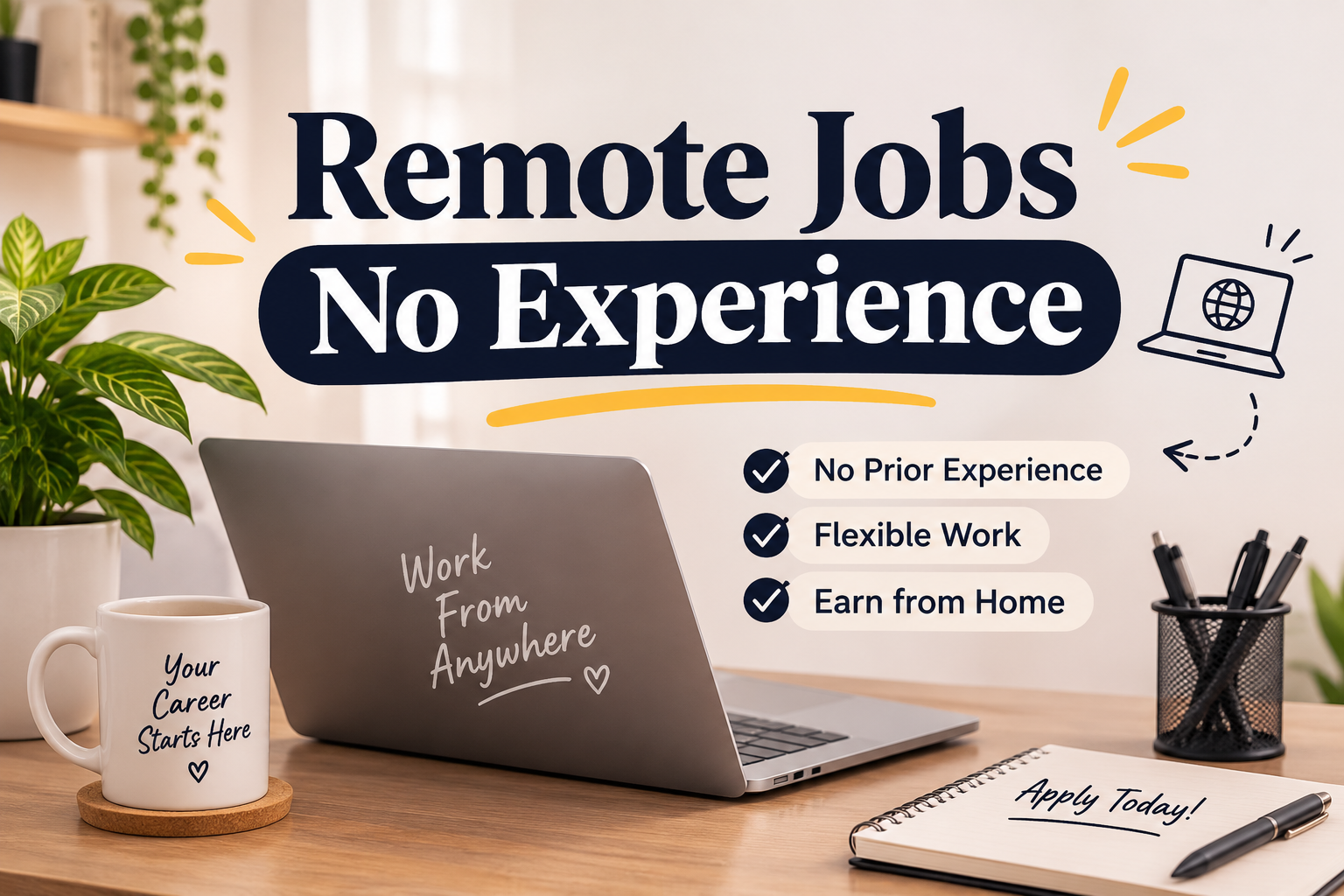
Many people dream of working from home, but they believe they need years of experience first. The truth is different. Today, many companies hire beginners for online roles, offer training, and care more about attitude and reliability than a long resume. If you are a student, a parent returning to work, or someone changing careers, remote jobs no experience required may be closer than you think.
In this guide, we will share 15 easy ways to start working from home, even if you have never had a job before. You will also learn the skills to build, how to apply, and how to stay safe while you search.
Remote work offers many benefits, especially when you are just starting out:
No commute: You save time and money on travel.
Flexible hours: Many roles allow part-time or flexible schedules.
Skill building: You learn digital tools that help your future career.
More options: You can apply to jobs beyond your local area.
Room to grow: An entry-level remote job can lead to better opportunities.
For many entry-level roles, employers value communication, honesty, and a willingness to learn more than a long list of past jobs.
Requirements differ from one employer to another, so always read each job description carefully.
Help customers by phone, chat, or email. Training is often provided, and clear communication is the main skill you need.
Enter information into spreadsheets or databases. Accuracy and patience matter more than advanced skills.
Support busy professionals or small businesses with scheduling, emails, and simple office tasks.
Write blog posts, product descriptions, or social media captions. Start with small projects and build samples as you go.
Help schedule posts, reply to comments, and keep accounts active. If you already use social media often, you have a head start.
Listen to audio or video and type what you hear. Good listening and typing skills are important.
Help students with a subject you know well. Patience and clear explanations are more important than formal job history.
Answer questions through live chat on websites. Fast typing and a polite tone help you do well.
Check written content for spelling and grammar mistakes. A sharp eye for detail is your biggest asset.
Contact people and schedule calls or meetings for businesses. Friendly communication is key.
Help online stores upload products, descriptions, and images. Basic computer skills are usually enough.
Help keep online groups safe and friendly by reviewing comments and posts. Good judgment and fairness are important.
Use easy online tools to create posts, banners, or flyers. You can begin with small projects and grow from there.
Help collect information, review search results, or organize lists. Patience and careful work are important.
If you speak more than one language, you may find work in simple translation, language practice, or multilingual support.
You may already have more skills than you think. Focus on these:
Clear communication: You will write and talk with others online daily.
Time management: You manage your own schedule and meet deadlines.
Basic computer skills: Email, spreadsheets, and video calls are used often.
Reliability: Showing up on time and finishing tasks builds trust.
Willingness to learn: Remote teams use many tools, so being open to learning is a big advantage.
Free online tutorials can help you improve any of these in just a few days.
You may not get hired in a day, but you can take real steps right now.
Choose the roles from the list that match your interests. Focusing on a few types of jobs helps you write stronger applications.
A beginner resume can include your education, skills, volunteer work, school projects, and small tasks you have done for family or friends. Keep it to one page and use short bullet points.
Make sure you have a reliable computer, stable internet, and a quiet place to work. Test your camera and microphone for online interviews.
Use job platforms that let you filter for remote and entry-level roles. You can browse current listings and set up alerts on Yulys Jobs so new remote openings reach you quickly.
Be open about being new, but show enthusiasm. For example: "I am new to remote work, but I learn quickly, communicate clearly, and am ready to be reliable and dedicated."
Most remote interviews happen by video. Practice common questions, sit in a quiet and well-lit place, and dress neatly. Showing that you are comfortable with online tools helps a lot.
Many people apply for beginner roles, so small habits can set you apart:
Customize each application. Mention the company name and why you want that role.
Show your learning. List any free courses or short certificates you have finished.
Create small samples. A writer can share a sample article, and an assistant can share a sample schedule or email template.
Keep your profiles clean. Use a professional email address and appropriate public profiles.
Reply quickly. Fast responses show you are serious and organized.
Unfortunately, some fake offers target people who want to work from home. Be careful if you see:
Jobs that ask you to pay a fee before you start
Offers with very high pay for very little work
Employers who ask for bank details or personal documents too early
Job posts with many spelling mistakes and no company information
A real employer will not ask you to pay to be hired. If something feels wrong, research the company before you reply.
Beginners often slow their progress with a few simple errors:
Applying to dozens of jobs without reading the requirements
Sending the same message to every employer
Expecting instant results and giving up too soon
Ignoring safety and falling for scams
Not practicing for video interviews
Be patient and keep improving. Every application teaches you something new.
Remote jobs no experience required are real, and many beginners find their first online role with a clear plan. Choose a few roles that suit you, build basic skills, create a simple resume, and apply with honesty and enthusiasm. Stay safe, stay patient, and keep learning as you go.
For more job search tips, resume advice, and career guidance, you can also read the helpful articles on the Yulys blog. With steady effort, your first remote job can become the beginning of a rewarding career.
Yes. Many companies hire beginners for entry-level remote roles, especially in customer service, data entry, and administrative work. They often provide training and value reliability.
Customer service, data entry, and virtual assistant roles are popular starting points because they usually need basic skills and offer training.
Usually you need a reliable computer, stable internet, and a quiet place to work. Some roles may also need a headset or webcam. Check the job description for details.
Never pay to get hired, be careful with offers that sound too good to be true, and research the company before sharing personal details.