Indonesia
 English
 Arabic
 French
 Spanish
 Portuguese
 Deutsch
 Turkish
 Dutch
 Italiano
 Russian
 Romaian
 Portuguese (Brazil)
 Greek
How to Add Cultural Elements to a Modern Interior
Other |
2026-10-28 09:40:41
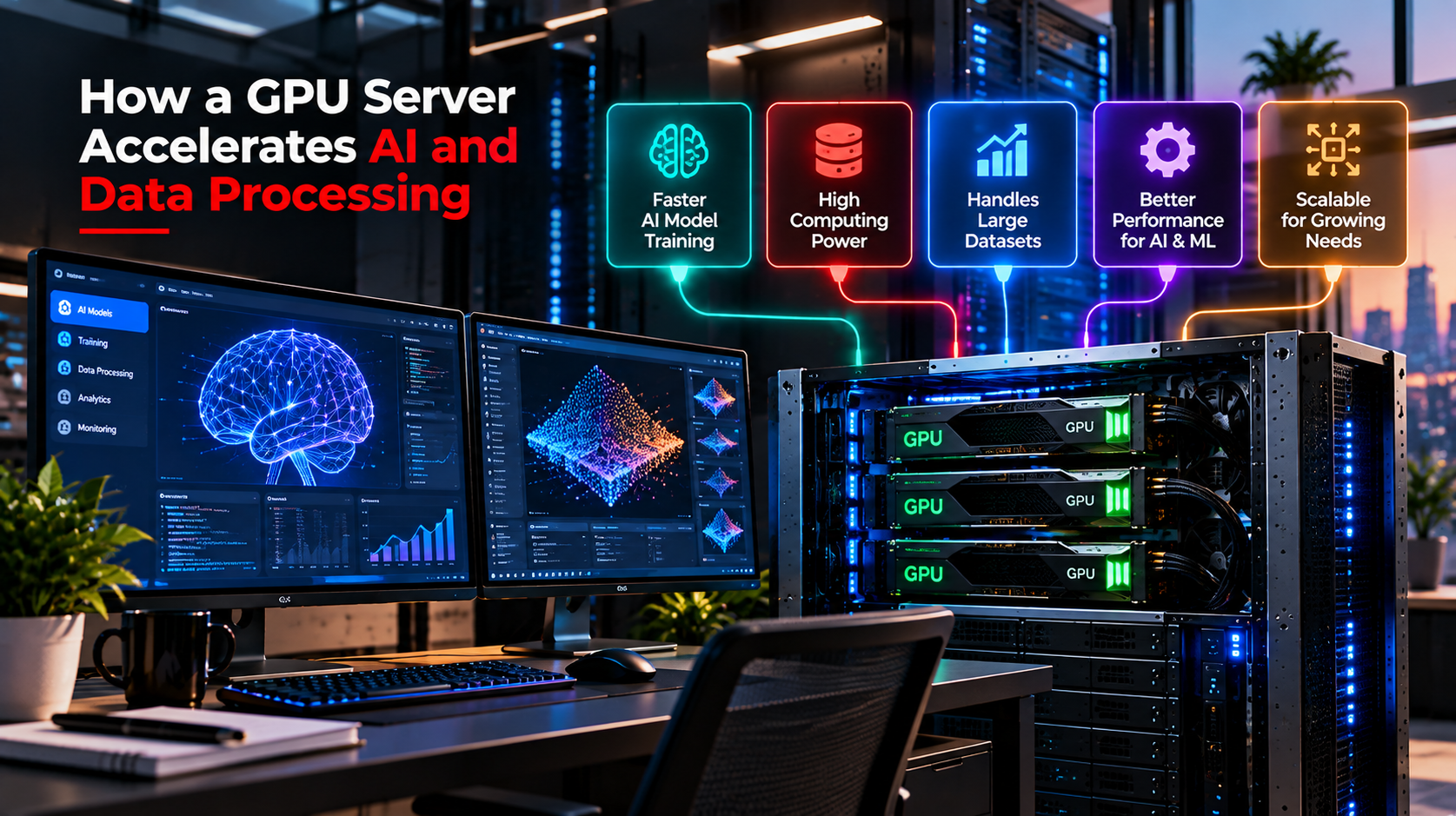
Artificial intelligence, machine learning, and big data are changing how businesses operate. From training AI models to analyzing millions of records, modern applications require substantial computing power. Traditional processors can handle many everyday tasks, but complex workloads often need a faster and more efficient solution. This is where a GPU server becomes valuable.
A graphics processing unit (GPU) is designed to perform many calculations simultaneously. Unlike a central processing unit (CPU), which generally focuses on a smaller number of complex tasks at a time, a GPU contains numerous processing cores that can work on suitable calculations in parallel. This capability makes it useful for AI development, scientific computing, and advanced analytics.
For businesses looking to improve performance, GPU infrastructure can reduce processing time, support larger workloads, and make demanding applications more practical. Understanding how this technology works helps organizations choose the right computing resources for their needs.
A GPU server is a computing system equipped with one or more graphics processing units to accelerate demanding computational workloads. It combines GPU hardware with CPUs, memory, storage, and networking components to handle tasks that benefit from parallel processing.
Unlike a standard server designed primarily for general-purpose computing, a GPU-powered system is particularly effective at workloads involving large datasets, matrix calculations, and complex mathematical operations. These operations are common in artificial intelligence, deep learning, computer vision, and data science.
Businesses can deploy this infrastructure on-premises or use a cloud-based service. A dedicated GPU server provides access to assigned hardware resources, while cloud solutions offer flexibility when computing requirements change.
Artificial intelligence systems depend on large numbers of calculations. Training a machine learning model, for example, involves repeatedly processing data and adjusting model parameters until the system produces useful results. This process can take considerable time without suitable hardware.
Deep learning models use mathematical operations to identify patterns in images, text, audio, and other data. GPUs can execute many of these operations simultaneously, helping reduce training time when the model and software are properly optimized.
A GPU server can therefore help AI developers experiment with different models, process larger datasets, and improve development efficiency. Instead of waiting extended periods for every training run, teams may be able to test more approaches within the same development schedule.
However, performance depends on the GPU model, available memory, software framework, and workload complexity. More powerful hardware does not automatically guarantee faster results for every application.
Machine learning applications often process thousands or millions of data points to discover relationships and make predictions. GPU acceleration can help with computationally intensive workloads, including neural network training, image classification, and certain large-scale inference tasks.
For example, a company developing an image recognition application may need to analyze a large collection of photographs. Suitable GPU hardware can process the mathematical operations involved more efficiently, helping developers build and deploy the application.
This makes GPU computing a practical option for organizations developing intelligent software, recommendation systems, and automated data analysis tools.
Data processing is another area where parallel computing offers significant advantages. Businesses generate information through websites, customer transactions, applications, sensors, and enterprise systems. Extracting useful insights from these sources requires efficient computing infrastructure.
Large datasets can place considerable pressure on conventional computing resources. A GPU server can accelerate supported analytical operations by processing multiple data elements concurrently.
This capability is useful for image processing, scientific simulations, numerical analysis, and selected data transformation tasks. Organizations can use GPU acceleration to process complex information more efficiently, particularly when their software is designed to take advantage of parallel computing.
For businesses investing in data and advanced analytics in Pakistan, GPU infrastructure may also support more sophisticated analytical projects, including predictive modeling and intelligent automation.
Some applications need to analyze incoming information with minimal delay. Fraud detection, recommendation engines, video analytics, and industrial monitoring are examples where processing speed can influence the user experience or operational response.
A properly configured GPU system can accelerate suitable workloads and help applications analyze information more quickly. Nevertheless, real-time performance also depends on data delivery, network latency, software efficiency, and the availability of other computing resources.
Choosing the right infrastructure requires looking beyond GPU specifications alone.
GPU server hosting allows businesses to access GPU-powered computing resources without necessarily purchasing and maintaining their own physical hardware. Depending on the provider, customers may receive access to dedicated machines, configurable virtual environments, or GPU instances in a cloud platform.
This approach can be useful for startups, research teams, software developers, and companies exploring AI applications. Instead of making a substantial initial investment in equipment, organizations can select resources according to their workloads and budget.
Another advantage is scalability. A business can begin with a suitable configuration and upgrade when its applications require additional processing power or GPU memory. Availability, pricing, and upgrade options vary between providers, so comparing service terms is important.
Before selecting a hosting plan, consider GPU specifications, memory capacity, storage performance, network connectivity, operating system support, and technical assistance. These factors influence how well the infrastructure performs under real workloads.
A GPU cloud server and a web hosting company can both accelerate demanding applications, but they serve different operational needs.
A GPU cloud server provides access to GPU computing resources through a cloud infrastructure platform. Businesses can provision resources when required and adjust their configurations according to project demands, subject to provider availability.
This arrangement can suit temporary AI experiments, variable workloads, development environments, and projects that need rapid deployment. Cloud services may also reduce hardware maintenance responsibilities, although costs can increase with extended usage, data transfers, and additional services.
A dedicated GPU server is often appropriate for organizations that require consistent access to specific hardware resources. It can offer greater control over system configuration, software environments, and resource allocation.
Businesses running continuous AI workloads, complex simulations, or intensive video processing may benefit from dedicated infrastructure when utilization remains high. However, the initial cost and ongoing management requirements can be greater than those of a flexible cloud arrangement.
The right choice depends on workload duration, performance requirements, security considerations, and available budget. Evaluating actual usage patterns before committing to a configuration can help avoid unnecessary expenses.
GPU-powered infrastructure supports a growing range of industries. Healthcare organizations can use accelerated computing for medical image analysis and research, while financial institutions can apply it to selected risk modeling and fraud detection workloads.
In manufacturing, GPUs can support visual quality inspection, predictive maintenance models, and digital simulations. Media companies can use GPU acceleration for video rendering, visual effects, and other demanding creative tasks.
Technology businesses also rely on GPUs to develop generative AI applications, natural language processing systems, and computer vision tools. For these organizations, the ability to process computationally intensive workloads efficiently can improve development workflows and expand what their applications can accomplish.
Not every business needs a GPU, though. Websites, email systems, and ordinary business applications may run perfectly well on conventional CPU-based servers. GPU infrastructure is most valuable when the workload can benefit from its parallel processing capabilities.
Selecting the right configuration begins with understanding the workload. AI model training may require substantial GPU memory and high computational performance, while inference workloads may prioritize response time, throughput, and predictable operating costs.
Memory capacity deserves particular attention because models and datasets must fit within available resources or be managed through techniques such as batching and memory optimization. Storage speed and system RAM also matter when applications regularly load large datasets.
Businesses should evaluate software compatibility, supported frameworks, security controls, uptime commitments, and technical support. Comparing the total cost of ownership is equally important, especially when deciding between cloud resources and dedicated hardware.
Start with the actual application requirements rather than simply selecting the most expensive GPU. Benchmarking a representative workload can provide a more reliable indication of performance and help identify the most suitable configuration.
A GPU server can accelerate AI development, machine learning, and data processing by handling suitable calculations in parallel. It helps organizations train models, analyze complex information, and run computationally intensive applications more efficiently. The right setup depends on workload requirements, memory capacity, software compatibility, and budget.
Whether a business needs flexible cloud resources or the consistent performance of dedicated hardware, careful planning is essential. Chromeis helps businesses explore technology solutions that support their digital objectives, including modern computing infrastructure and data-driven applications. Choosing resources that match real operational needs can provide a stronger foundation for future growth.
A GPU server is used for computationally intensive tasks such as AI model training, machine learning, deep learning, scientific simulations, video rendering, and data analysis. It accelerates workloads that can benefit from parallel processing.
A GPU server performs many mathematical operations simultaneously, which can speed up neural network training and other AI workloads. Actual improvements depend on the GPU hardware, model architecture, memory capacity, and software optimization.
GPU server hosting provides access to systems equipped with graphics processing units for accelerated computing. Regular servers typically rely more heavily on CPUs and are suitable for general applications such as websites, databases, and business software.
Neither option is universally better. A GPU cloud server can provide flexibility for changing workloads, while a dedicated GPU server can offer consistent access to assigned hardware. The best option depends on performance requirements, usage patterns, and budget.
Businesses should evaluate GPU performance, memory capacity, storage, network connectivity, software compatibility, security, and total cost. Testing the intended workload before choosing a configuration can help identify the most appropriate solution.